CLICK HERE FOR FREE BLOGGER TEMPLATES, LINK BUTTONS AND MORE! »
Showing posts with label snow. Show all posts

Friday, March 25, 2011

Snow Angels and Gypsy Trick

I'm so excited to share with you this layout and trick I figured out on my Gypsy!  I had so many pictures of the snow storm of 2008, that I had to do two, 2-page layouts!  The first layout was posted yesterday and features some people, but lots of scenery.  Today the photos are of snow fun! :)
"Snow Angels"
This was created on a turquiose paper that totally looks a differeent shade in the photo!  I matted all my photos on brick red and white to complement the snowmen felt stickers I had. 

I cut the title "Snow Angels" out of Winter Frolic BUT it only said "Snow Angel" and I have 2 kids!  I noticed that the angel font looked a lot like Gypsy, and guess what, it was!  I put the words "snow angel", the shadow, the gypsy font "s" and the shadow to the "s" all on the same layer.  I adjusted the snow angel and its shadow together to keep them in ratio.  Then I magnified my Gypsy screen and carefully slid the s (and its shadow) over to the word angel.  I enlarged the s until it appeared the same size (and as I was doing this, the shadow was growing too!). I then grouped and welded the words "Snow Angel" and the "s" together.  I then moved the shadows to another layer on my Gypsy and once again carefully lined up the shadow of the "s" to the shadow of the words.  I left the layers so you could see through and line them up to match and I was able to group and weld these as well.  I think it looks great!  :)

I then added a package of Basic Grey felt stickers called Jovial--Woolies.  They are super cute fuzzy snowmen, presents, stars and birds!  It really made a cute and quick page!

Thursday, March 24, 2011

Snow Storm 2008

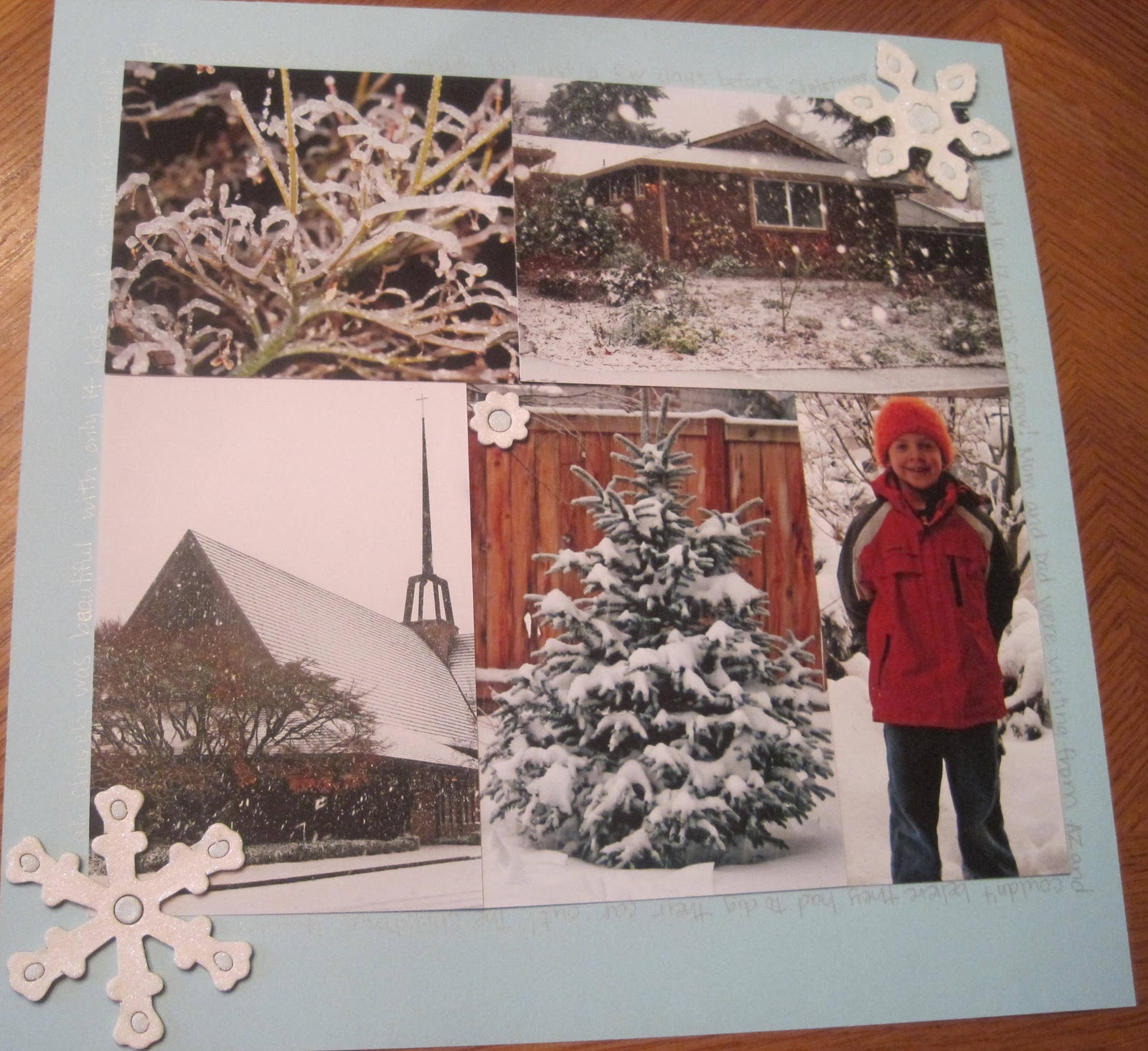
I know, I know, 2008???? But I am getting caught up slowly but surely!  Here's a layout with 13 pictures, with 7 being 4x6!  My friend Toni and I laugh that we're masters at cramming photos on pages!  Take a look!

I used a light blue background paper and decided not to mat my photos due to the large amount of them and how "busy" the layout was. 

Left side:  I used three 4x6 photos down the left hand side, leaving a small blue border.  I then cropped three 2" square photos and a couple other photos to create the photo block.  Then I used Simply Treats and typed out Snow Storm minus the o's.  I had a wonderful package of glittered chipboard snowflakes that already had adhesive!  I used 2 small ones for the o's and added one to the upper left corner.
The right side was really easy!  I grouped five 4x6 photos, overlapping as needed to get a perfect square.  I then adhered a few more chipboard snowflakes and was done.

NOW ON TO A PROBLEM I WAS HAVING!
I would crop and fix my photos in Picassa and then upload them to Blogger.  Somewhere between Picassa and the upload to Blogger, they rotated.  Not every time, just sometimes!  It was making me crazy!  In Picassa they were the correct way, but then, voila!, they were rotated!  Luckily, I found a solution on the internet!  Here it is for all of you experiencing the same problem: 
Open up Picasa and select the photograph that uploaded incorrectly. On the top right above the picture there is a button to edit the photo - click on it and Picnik opens. Rotate the photo in this web based editing software and when you click save to my album choose to replace. Then go back to Blogger, choose to upload from Picasa, and select the photo from there. It may still look wrong in the thumbnail preview, but once it is placed on the Blogger page it should be correct.   From:  Firedrops at http://www.google.com/support/forum/p/blogger/thread?tid=3dadabf526cdd529&hl=en